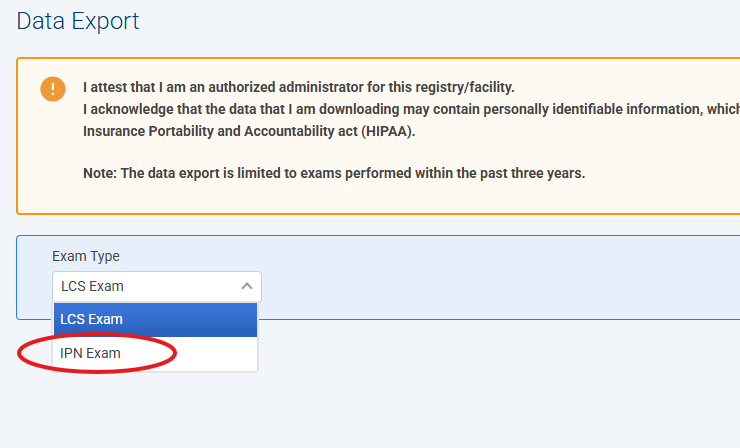
To generate the IPN Exam Report, click on the Reports tab at the top menu navigation, select LCSR & IPN from the left menu, and click Data Export. From the Exam Type drop-down list, select IPN Exams . This table shows your facility's data from the exam forms submitted... including the last transaction date (limited to the previous 3 years). The table downloads as a zip file. Click on the zip file to extract the report to your PC. There is no filter to restrict the data displayed; data from all forms submitted by your facility are included.
This report is available to all users. However, the Other ID, Social Security Number (SSN), Old Medicare Beneficiary ID (MBID), New MBID, First Name, Middle Name, Last Name, Sex and Date of Birth fields are only visible to Facility and Registry Administrators. Only the last 4 characters of the SSN and Old MBID are shown.
Note: Make sure to select 'IPN Exam' under Exam Type.