
Clicking Data Export in the LCSR & IPN Reports menu brings you to a drop-down menu where you can select which type of export you would like to generate, LCS or IPN:
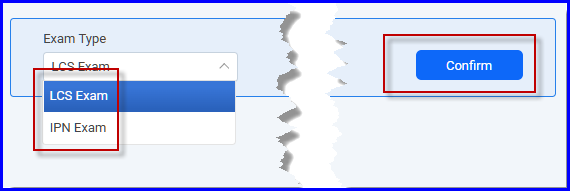 Clicking Confirm generates two tables: the Exam Report and the Follow-up Report (applicable to LCS only). These tables show your facility’s data from the exam forms submitted, including the last transaction date (limited to the previous 3 years). Each table opens in a new window as an Excel spreadsheet and may appear as a zip file. Click on the zip file to extract the reports to your PC. There is no filter to restrict the data displayed; data from all forms submitted by your facility are included.
The Follow-up Report also includes the Exam Unique ID.
These reports are available to all users. However, the Other ID, Social Security Number (SSN), Old Medicare Beneficiary ID (MBID), New MBID, First Name, Middle Name, Last Name, Sex and Date of Birth fields are only visible to Facility Administrators and Registry Administrators. Only the last 4 characters of the SSN and Old MBID are shown.
Two empty LCS Data Export files, showing all available fields/columns are attached below.