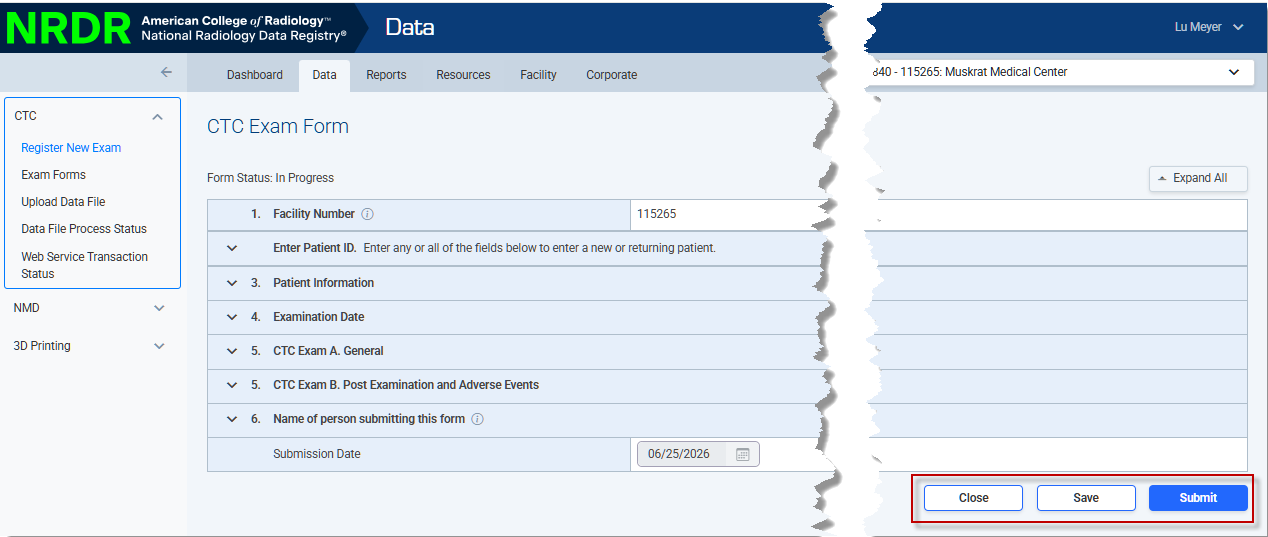
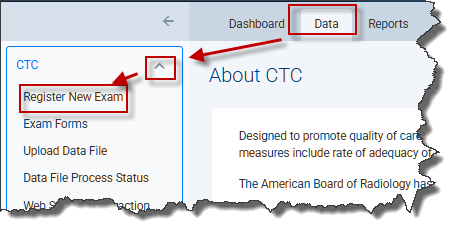
The CTC Exam Form is used to collect all patient demographic information and exam/polyp information in a consolidated form. You can access the exam form by clicking Data in the top menu from any page in the NRDR portal. Then select the CTC drop-down arrow from the left menu, and click Register New Exam.
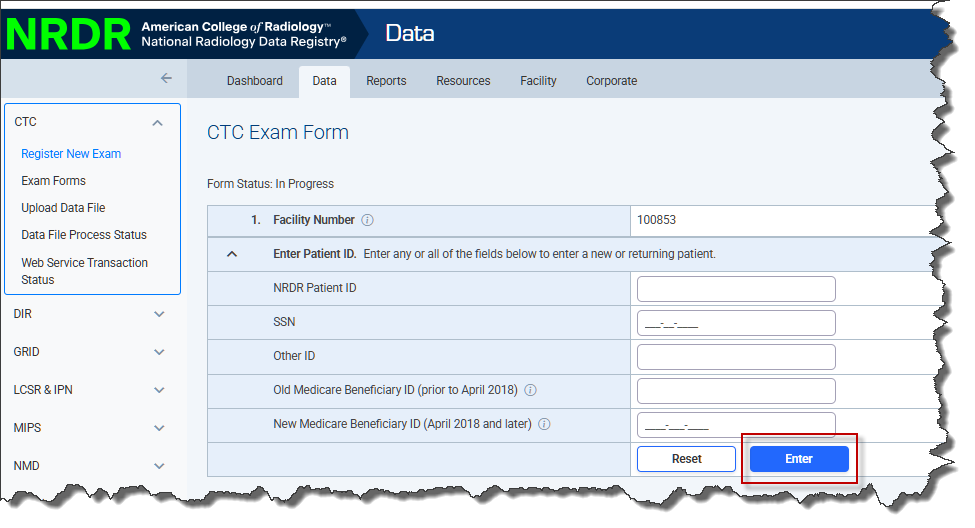
Complete the identifying patient information and click Enter.
 A blank form will appear:
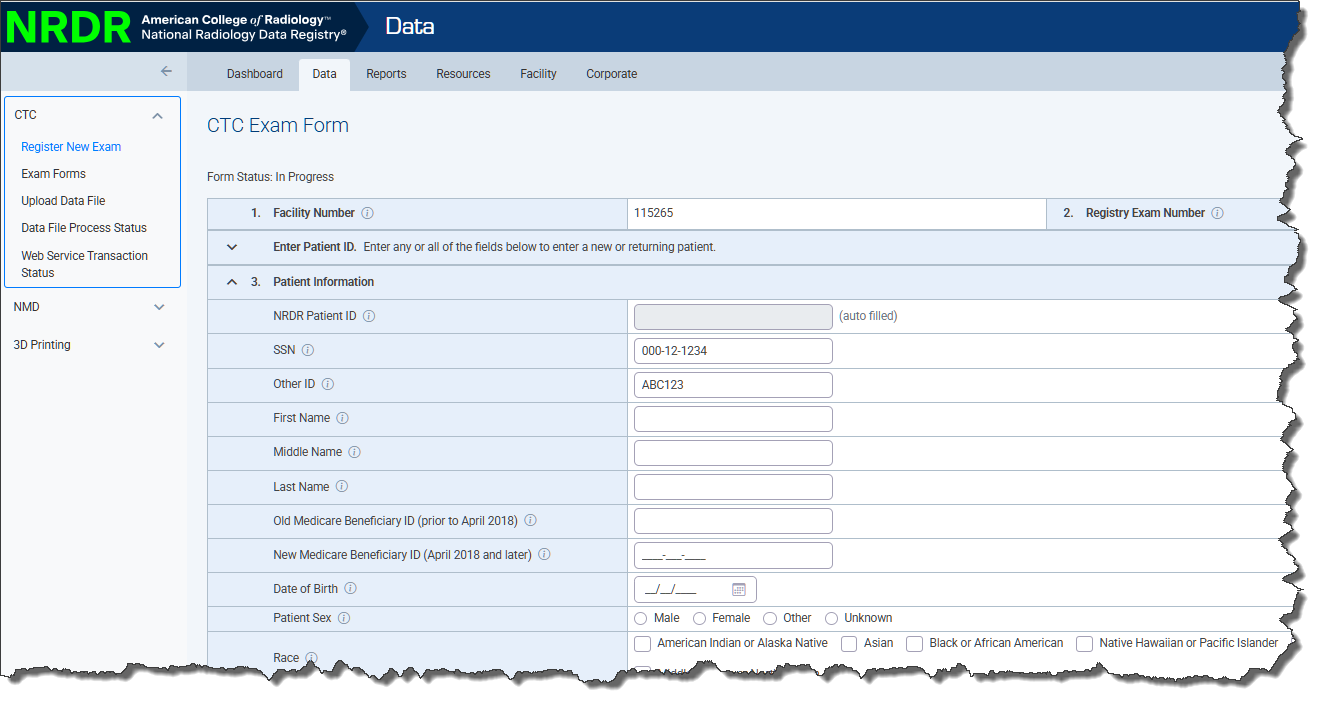
Complete the form by selecting from among the options presented on the form and filling in the blank fields. Fields marked with an asterisk (*) must be entered or the form cannot be submitted. Refer to the CTC Data Dictionary for specific instructions for each field.
Click the Submit button when the form is complete. You must correct any errors or the form will not be accepted by the registry. If no errors are detected a confirmation message appears and the case moves to Completed status. If you want to save the form and complete it later, click the Save button. If you don't want to save your changes, click the Close button.